Standard Edgenuity does not detect bots, AI-written answers, or tab switching — only time-per-question tracking and paste events are monitored by default. If you are worried about getting caught using an automation tool or AI, here is exactly what Edgenuity can and cannot see.
What Edgenuity Does Detect
- Time per question: Edgenuity tracks how long you spend on each quiz question. Answering 20 questions in 45 seconds raises a flag for instructors reviewing the activity log.
- Paste events on free-response: Pasting text into open-ended answer boxes is logged. It does not block pasting, but the event is recorded and visible to teachers.
- Answer pattern analysis: If every answer is correct and submitted instantly, an instructor manually reviewing the log may notice the pattern.
- Tab switching (Proctorio only): Standard Edgenuity does not detect tab switching. It is only flagged when a Proctorio session is actively running.
- Webcam monitoring (Proctorio only): Webcam footage is captured only during Proctorio-monitored exams, not standard Edgenuity sessions.
What Edgenuity Does NOT Detect
- Screen recording software or screenshots taken externally
- Keyloggers or mouse tracking tools
- AI-generated content — there is no automatic AI detector built into Edgenuity
- Network-level monitoring of other browser tabs or applications
- Browser extensions, Tampermonkey scripts, or userscripts running in your browser
- What you have open in other windows or programs on your device
Can Edgenuity Detect Tab Switching?
No — not on its own. Standard Edgenuity cannot detect when you switch browser tabs. Tab monitoring only activates during a Proctorio-enabled exam, where the Proctorio browser extension watches for focus changes. Outside of Proctorio tests, you can switch tabs freely with zero detection.
Can Edgenuity Detect Copy and Paste?
Partially. Edgenuity logs paste events on free-response and essay-style questions. It does not block pasting, but the event is recorded for teachers to review. On multiple-choice and standard quiz questions, paste detection is irrelevant since those answers are clicks, not typed input. Tools like Exodus handle free-response by typing AI-generated answers character-by-character rather than pasting, so no paste event is ever logged.
Does Edgenuity Have an AI Detector?
No. Edgenuity does not run automatic AI content detection. If a teacher suspects AI-generated writing on an essay, they would need to manually paste the text into an external tool like GPTZero or Turnitin. This is not automated and does not happen for quiz or test answers — only for open-ended essays that a teacher actively reviews.
Does Edgenuity Record Your Screen?
Only during Proctorio sessions. Without Proctorio active, Edgenuity has no capability to capture your screen. Standard classes, quizzes, and unit tests run with no screen recording whatsoever.
How Students Actually Get Caught
The real detection risk is not an automated system — it is a human instructor reviewing activity logs. Patterns that prompt review:
- Completing a 40-hour class in under 3 hours
- Scoring 100% on every assignment and test with near-instant submission times
- Active at 3am or at hours inconsistent with a student's normal schedule
- Every quiz answered before any video lesson has been viewed
None of these are flagged automatically. A teacher has to manually open the activity log and notice the pattern. Most do not check unless progress looks implausibly fast.
How Exodus Avoids Detection
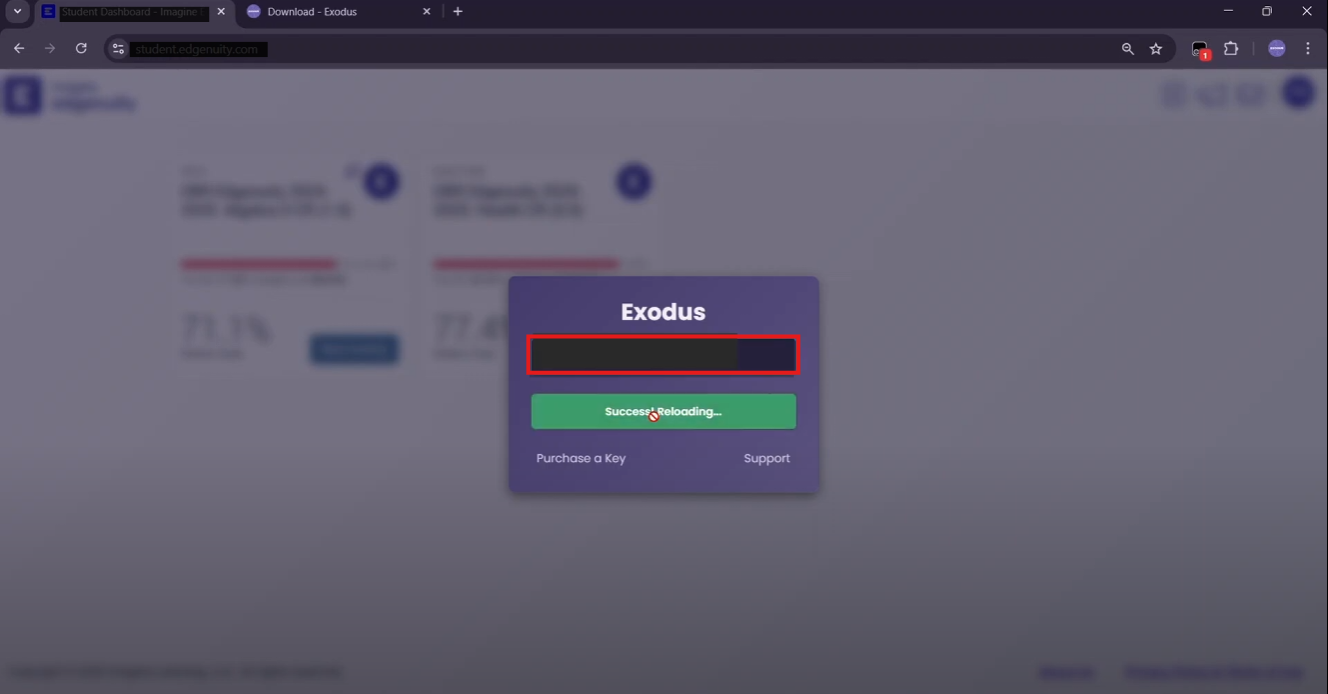
Exodus is built specifically to stay below the pattern-detection threshold. For the full workflow, see how to finish Edgenuity fast without getting caught.
- Randomized delays: Answers are submitted with human-like timing variation, not instantly after the question loads.
- Grade targeting: Exodus defaults to 85–95% accuracy, not 100%. Perfect scores on everything look automated.
- AI types, not pastes: AI-generated free-response answers are typed one character at a time, so paste events are never logged.
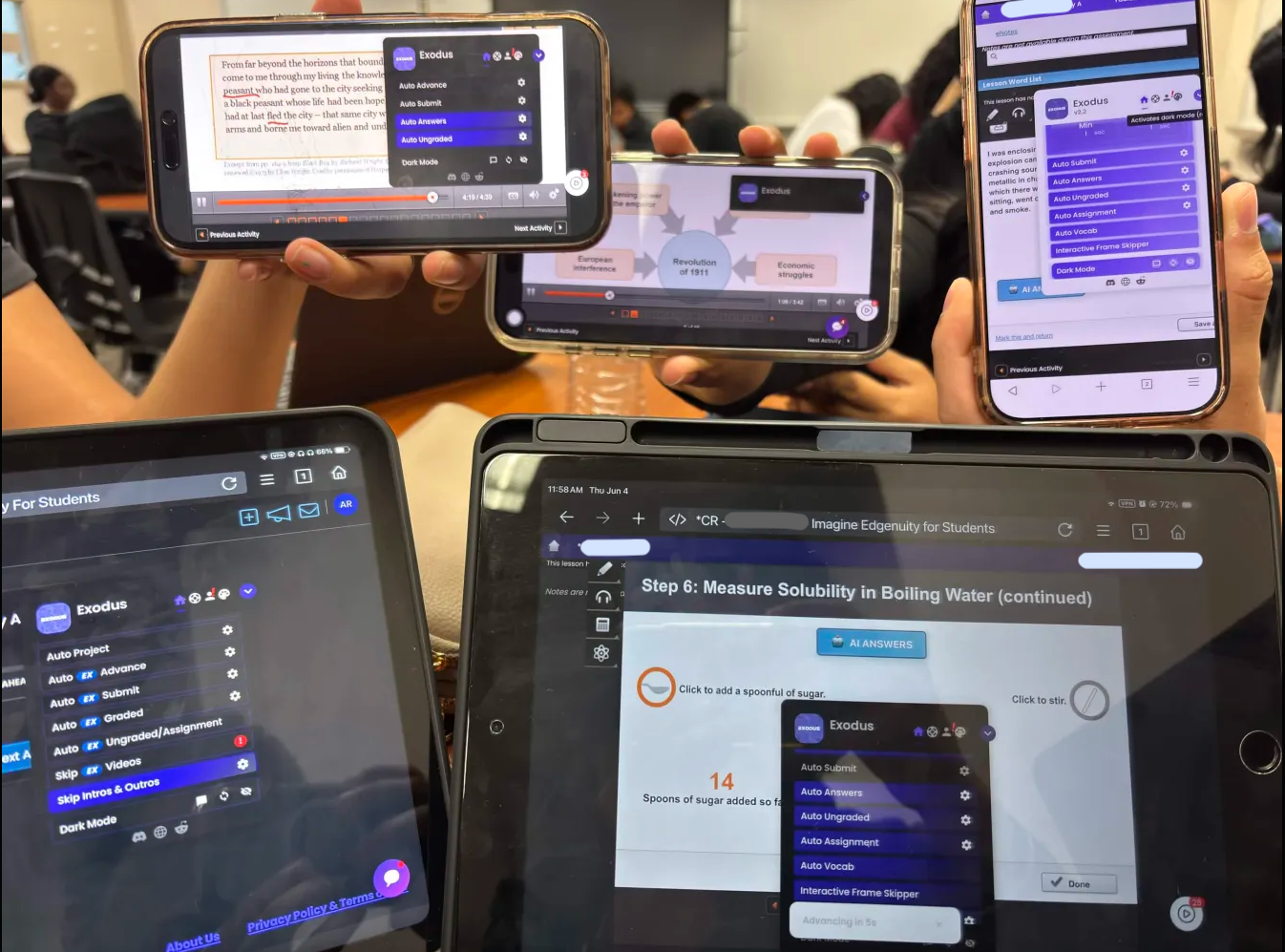
- Browser-level only: Exodus runs as a Tampermonkey userscript inside your browser. It injects no external elements, leaves no network fingerprints, and is completely invisible to server-side monitoring.
Exodus is fully undetected on Edgenuity — browser-level only, no fingerprints, no injected elements, and grade targeting at 85–95% by default.
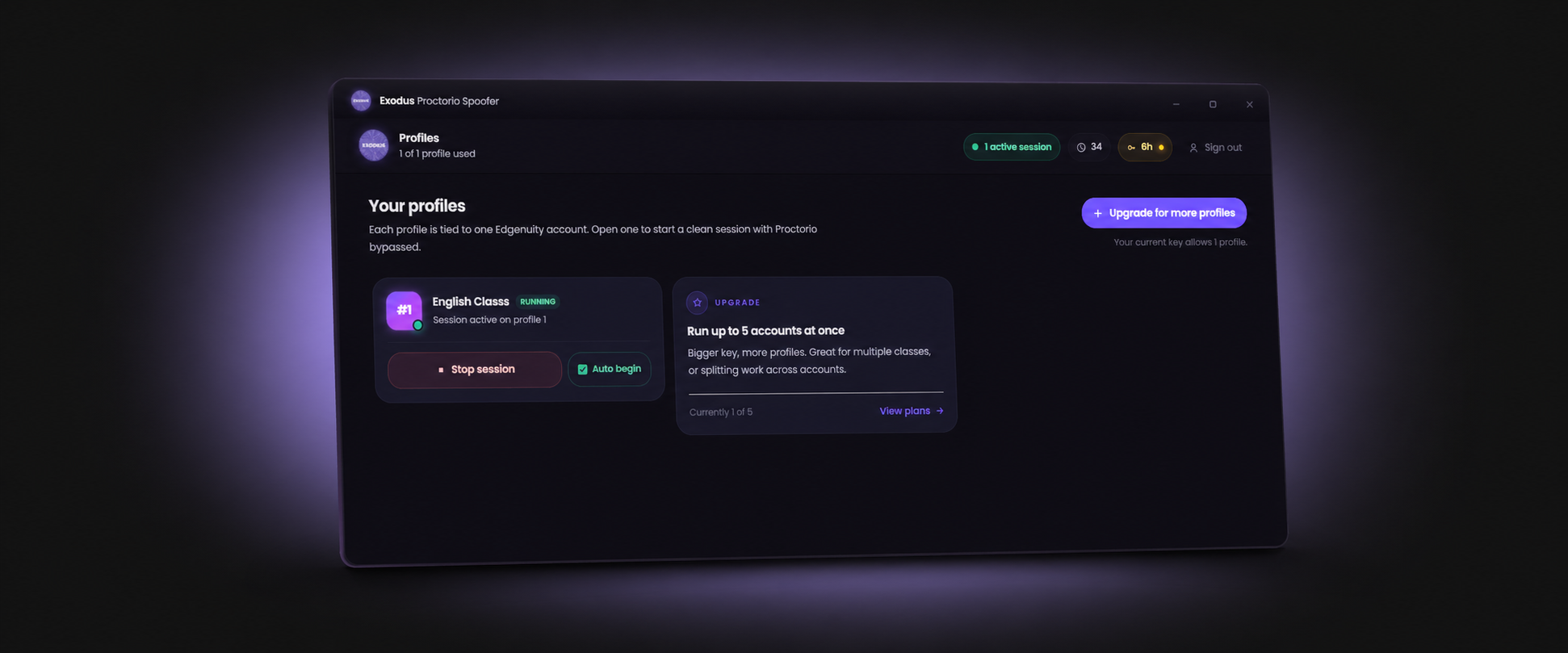
Get ExodusThe platform itself is built by Imagine Learning; exam proctoring, when a district enables it, is handled by Proctorio. See how Exodus handles that in our Proctorio spoofer guide, or start with the Edgenuity bot.
Frequently Asked Questions
Does Edgenuity detect cheating?
Standard Edgenuity does not automatically detect cheating. It logs time-per-question and paste events on free-response, but does not flag AI tools, tab switching, or external resources. Detection depends on a teacher manually reviewing activity logs and noticing unusual patterns.
Does Edgenuity detect AI?
No. Edgenuity has no built-in AI content detector. A teacher would need to manually check suspected AI writing with an external tool. Quiz and test answers are never reviewed for AI usage.
Can Edgenuity detect tab switching?
Not on its own. Tab switching is only detected during active Proctorio sessions. In standard Edgenuity classes without Proctorio, switching tabs is completely undetected.
Can Edgenuity detect copy and paste?
Edgenuity logs paste events on free-response questions but does not block them. Multiple-choice and standard quiz questions are click-based and have no paste detection.
Does Edgenuity record your screen?
Only during Proctorio-enabled exams. Without Proctorio active, Edgenuity cannot see your screen, other browser tabs, or any other applications running on your device.