An Edgenuity bot automates the slow parts of an Edgenuity course so you finish in hours instead of weeks. This is a practical 2026 guide to what the Exodus Edgenuity bot does, how to set it up in about five minutes, and the workflow tips that keep your results looking human. If you just want the product page, see the Edgenuity bot overview; this guide is for actually using it.
What an Edgenuity Bot Actually Does
Edgenuity courses are slow by design: long video lessons, locked quizzes, and repetitive assignments. A bot removes the manual clicking. Exodus reads the question on screen, supplies the answer, advances the lesson, and clears the video so the next quiz unlocks. Instead of babysitting a class for 30 to 60 hours, you supervise it for a few hours while the bot handles the busywork.
Exodus Features at a Glance
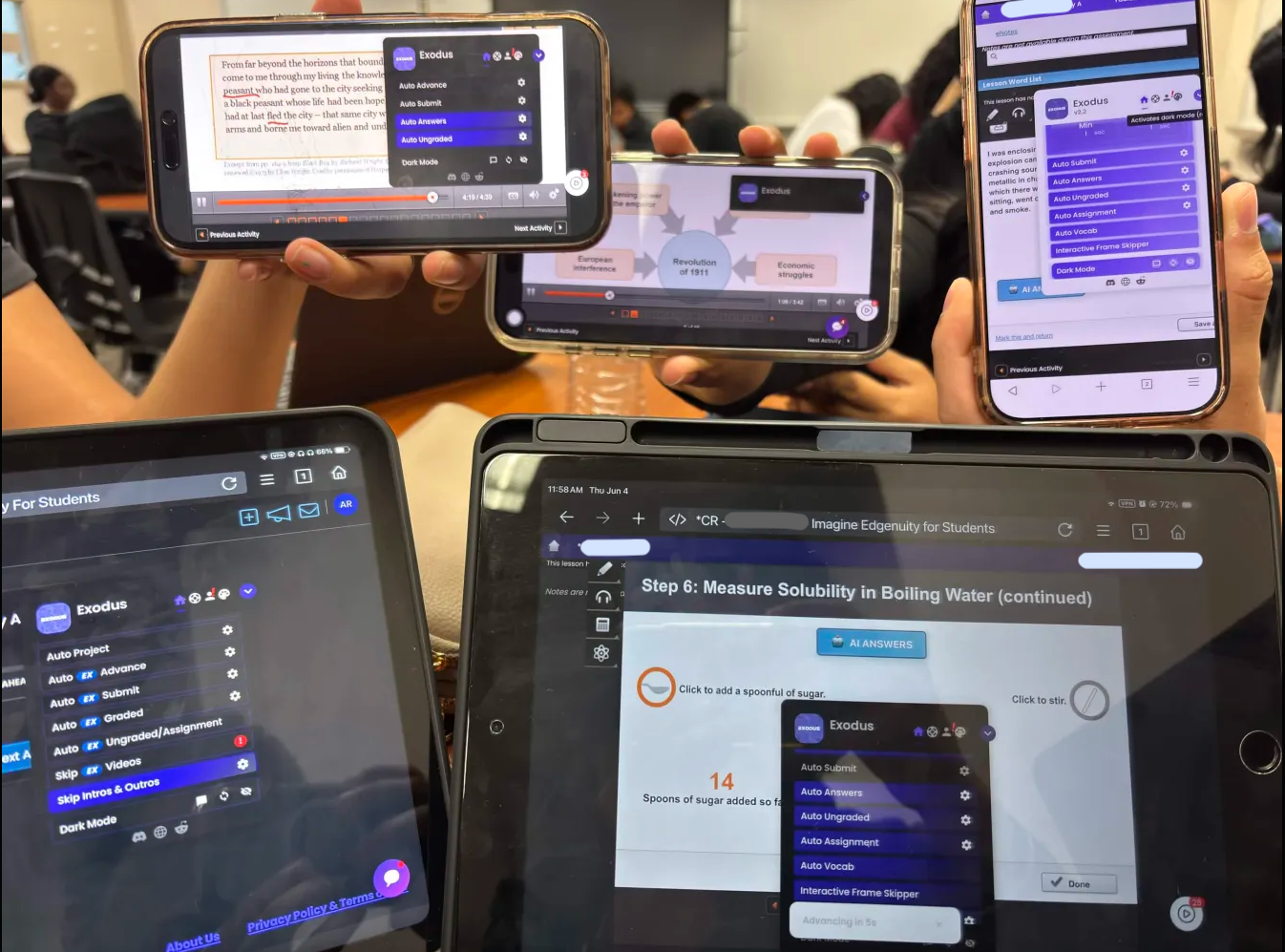
- Auto Answers: Pulls verified answers from a 105M answer database and fills them in for quizzes, tests, and assignments.
- AI Answers: When a question is not in the database, live AI solves it, so you are never stuck on an unknown item.
- Skip Videos and Frame Skipper: Skip Videos clears EdgeEX video lessons with no playback, Frame Skipper advances classic Edgenuity videos to completion.
- Auto Advance: Moves from lesson to lesson automatically so the whole course runs back to back.
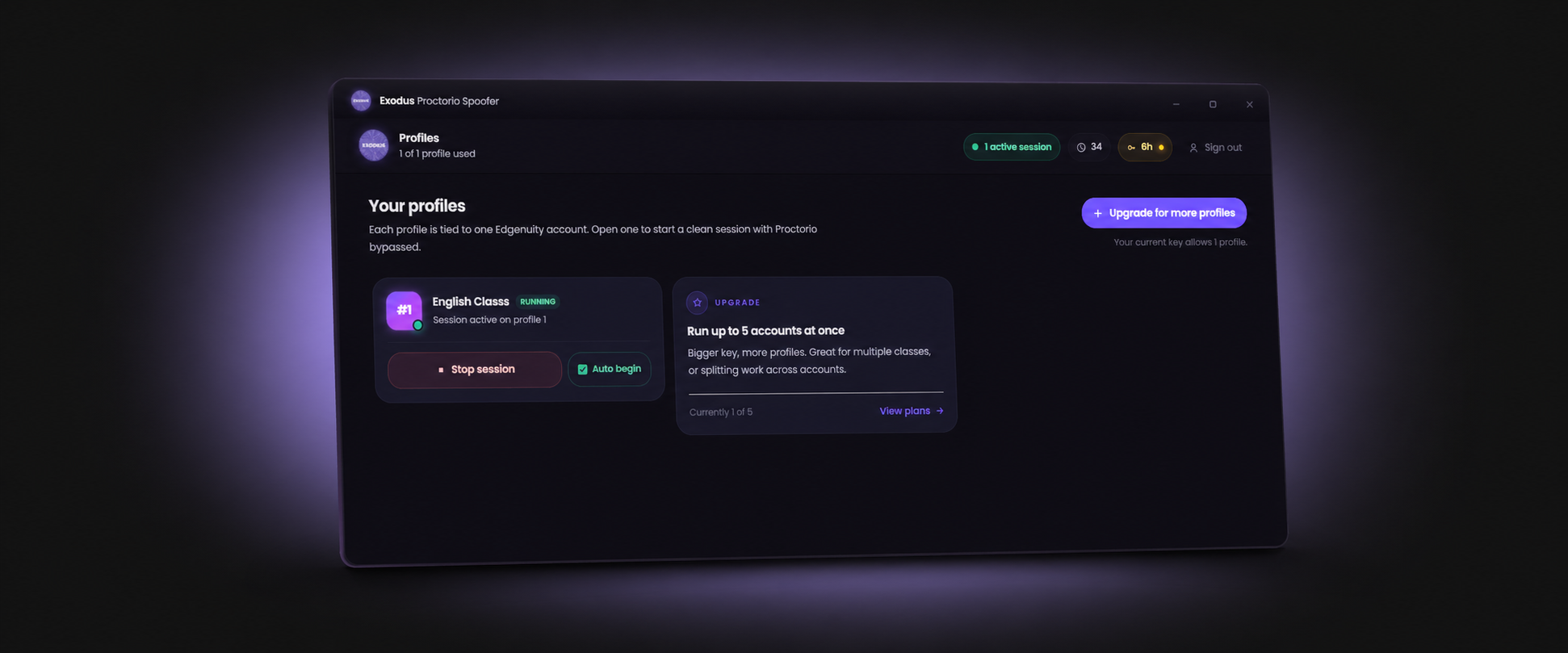
- Multi-Tab: Run several Edgenuity classes at once across tabs to finish multiple courses in parallel.
- Anti-Logout: Keeps your session alive so long unattended runs do not drop you out.

How to Set Up the Exodus Edgenuity Bot
- Get a key and open the tutorial: Grab a key on the Exodus homepage, then open the tutorial page for your device.
- Install Tampermonkey: Add the Tampermonkey extension to Chrome, Edge, or your mobile browser.
- Add the Exodus script: Install Exodus from the tutorial so it loads automatically whenever you open Edgenuity.
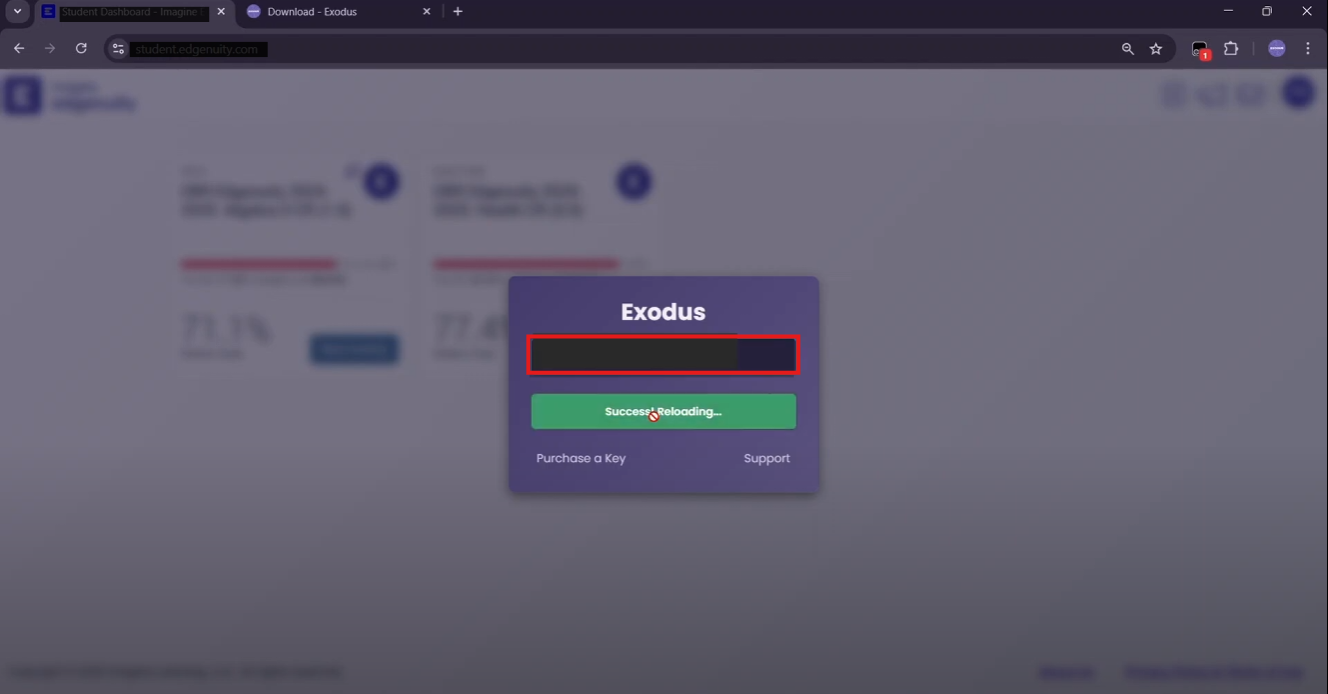
- Activate your key: Open Edgenuity, launch the Exodus menu, and paste your key.
- Turn on your features: Enable Auto Answers, AI Answers, Auto Advance, and Skip Videos or Frame Skipper, then let it run.
The full walkthrough, including the download and install steps, takes about five minutes start to finish.
Smart Workflow Tips
The tool is reliable, but pacing is what keeps your account clean. Standard Edgenuity only logs time per question and paste events, so the goal is to look like a fast student, not an instant one. Spread a class over a few sittings, let Auto Advance pace itself, and aim for 85 to 95 percent accuracy rather than a perfect 100 on every item. For the full breakdown of what the platform can and cannot see, read does Edgenuity detect cheating.
Works on Every Edgenuity Version
Edgenuity, EdgeEX, Imagine Edgenuity, and the new Nova UI all run on the same Exodus build. When the platform updates its interface, Exodus updates with it, which is the main reason older free scripts stopped working while Exodus keeps going. For a side by side look at why it leads, see why Exodus is the best Edgenuity bot, and to automate the tests specifically, read how to get Edgenuity answers.
Set up the Exodus Edgenuity bot in five minutes and let Auto Answers, Skip Videos, and Auto Advance finish your classes.
Get ExodusFrequently Asked Questions
What is an Edgenuity bot?
An Edgenuity bot is a tool that automates the slow parts of a course: answering quizzes, advancing lessons, and clearing videos. Exodus runs as a Tampermonkey userscript, so it works inside the browser you already use for Edgenuity, EdgeEX, and Nova.
How do I set up the Exodus Edgenuity bot?
Get a key on the Exodus homepage, install Tampermonkey, add Exodus from the tutorial page, then activate your key and open your course. The full steps take about five minutes.
Does the Edgenuity bot work on EdgeEX and Nova?
Yes. Exodus supports classic Edgenuity, EdgeEX, and the new Nova UI. Skip Videos handles EdgeEX video lessons and Frame Skipper handles classic courses.
Is using an Edgenuity bot safe?
Standard Edgenuity does not detect bots or tab switching, only time per question and paste events. The risk is pacing, not the tool. Spread progress over a few hours and target 85 to 95 percent accuracy.
What devices does the Edgenuity bot run on?
Exodus runs anywhere Tampermonkey runs: Windows, Mac, Chromebook, and compatible mobile browsers on iOS and Android.