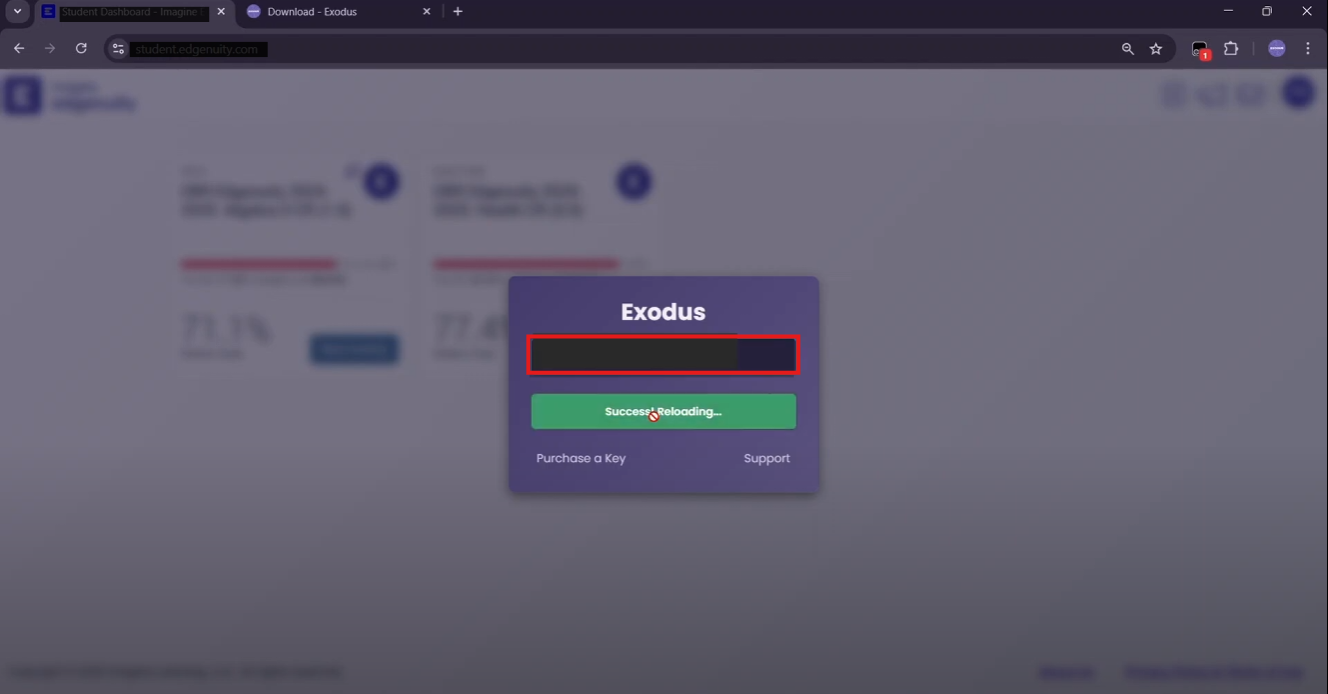
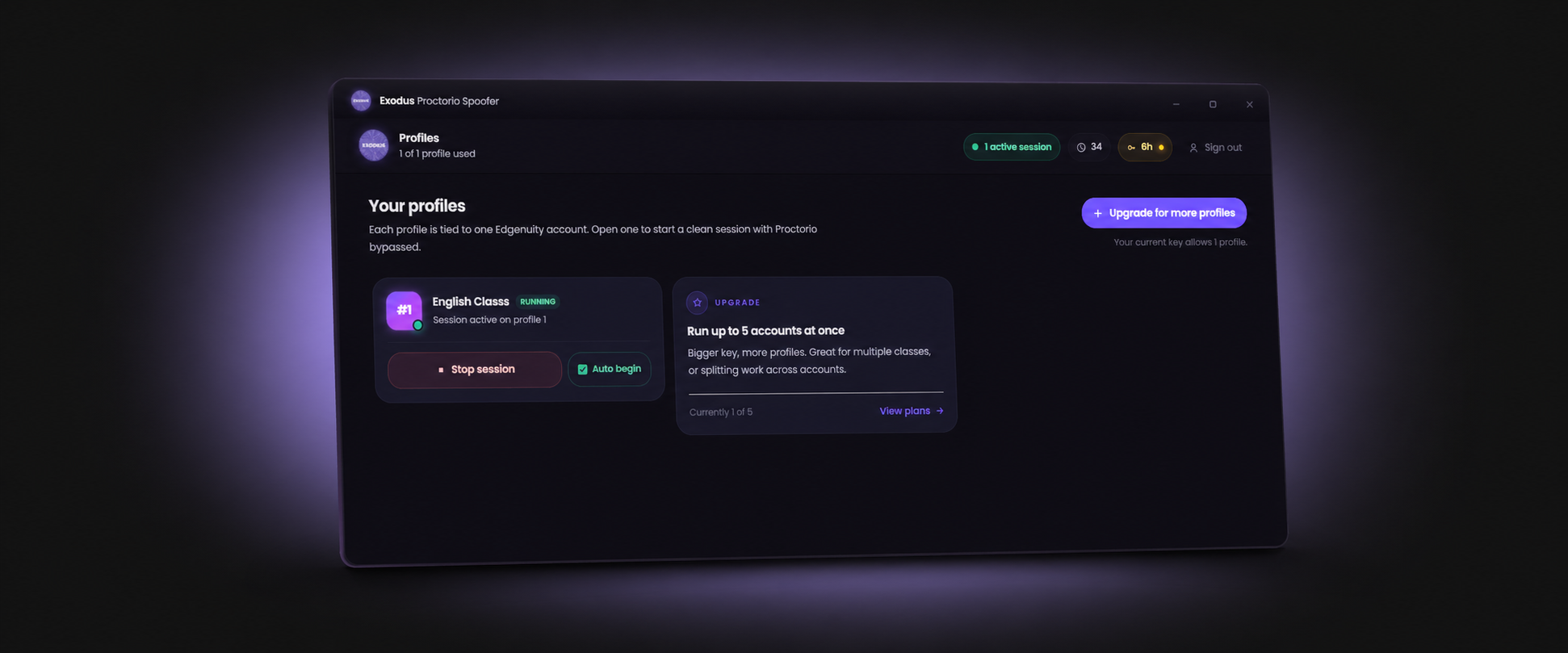
Yes — with video skipping and auto-answer automation, students regularly finish full Edgenuity classes in 4–8 hours of near-unattended time. This guide covers every working method in 2026, from free tricks to the fastest complete setup.
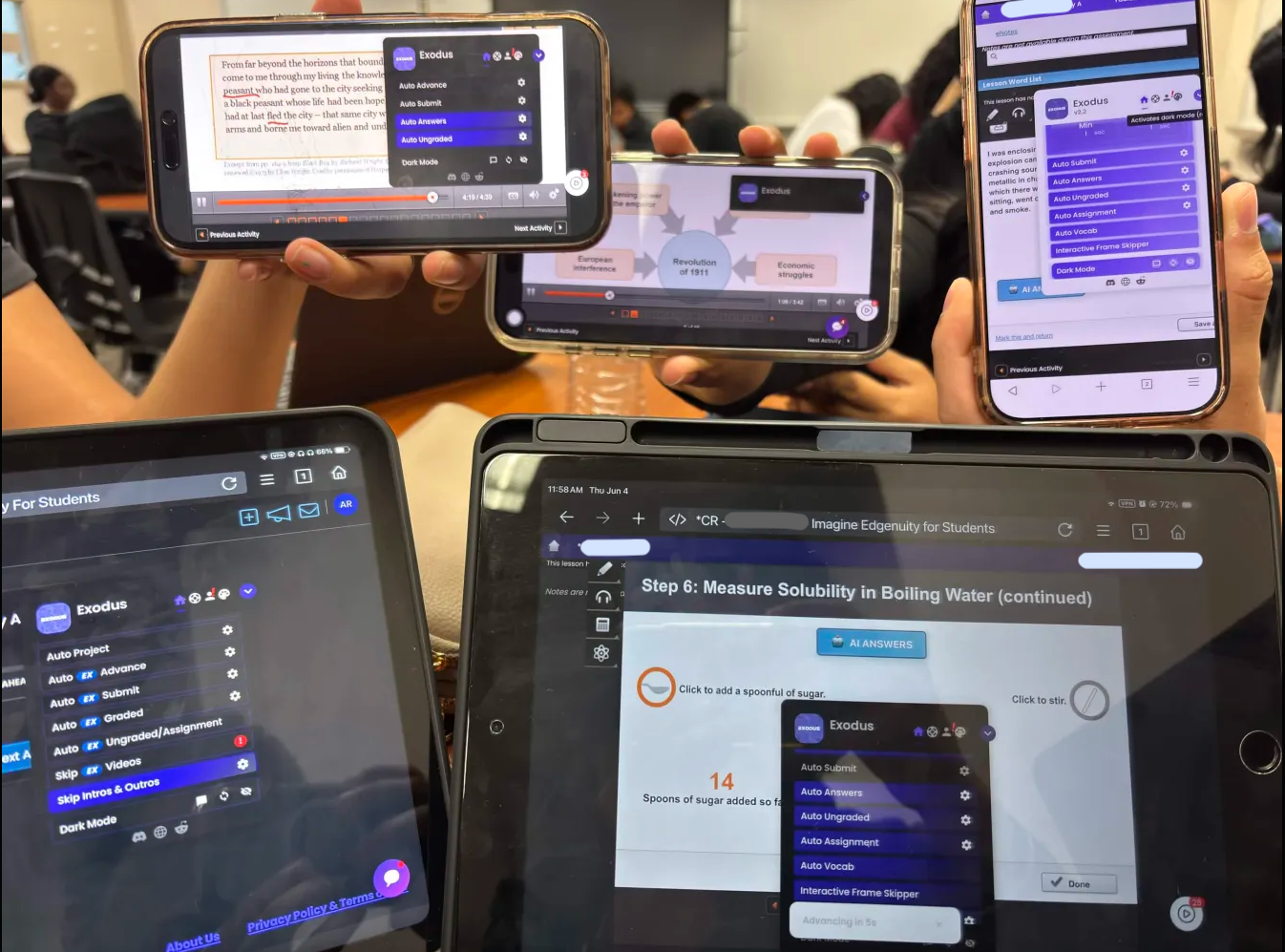
The Bottleneck: Why Edgenuity Takes So Long
Edgenuity classes are slow by design. Each lesson requires you to watch video segments before quiz access unlocks. Videos cannot be natively skipped or sped up past 2x, and the platform checks that playback has registered before letting you advance. For a standard credit-recovery course, this means 30–60 hours of required video time before you can sit the final exam.
How to Skip Edgenuity Videos in 2026
- Free Tampermonkey scripts: Scripts that claimed to skip Edgenuity videos broke after the 2024–2025 UI updates. Most GitHub repositories have not been updated. They may work briefly on a specific course version, then fail silently after the next Edgenuity patch.
- Browser speed override (4x–8x): Extensions that push playback speed beyond 2x still require the video to complete — just faster. Cuts video time by 60–75% but does not eliminate it. Useful as a fallback.
- Exodus Skip Videos (EdgeEX): On EdgeEX classes, Exodus marks video segments as watched without any playback required. This completely eliminates video time. For classic Edgenuity, Frame Skipper and Language Skipper advance through segments and trigger lesson completion.
Automate Quizzes and Tests
For getting Edgenuity answers automatically, Exodus uses two layers:
- Auto Answers (live database): Pulls from a continuously updated database of 105+ million answered questions. For questions in the database, the answer is selected and submitted automatically.
- AI Answers (fallback): For new or uncommon questions not yet in the database, Exodus sends the question to AI and submits the result — covering questions that any static answer key would miss entirely.
Run Multiple Classes at Once with Multi-Tab
Exodus Multi-Tab mode lets you run multiple Edgenuity classes in separate browser tabs simultaneously. While one class plays a video segment, another is completing quizzes. Running three classes in parallel cuts total wall-clock time to roughly a third of the sequential equivalent. This is the single biggest multiplier for finishing fast.
Run Overnight Without Getting Logged Out
Edgenuity sessions expire after extended inactivity. Exodus Anti-Logout keeps your session alive so you can start classes before bed and wake up with significant progress completed. Pair this with a moderate pace setting to ensure progress looks realistic in the activity log rather than impossibly fast.
Step-by-Step: Finish a Class in One Session
- Get a key: Visit exodusbot.net, pick your key length, and complete checkout. Day keys start at $2.
- Install the script: Install Tampermonkey in Chrome or Brave, add the Exodus script from the download page. Takes about two minutes.
- Open your classes: Log into Edgenuity and open each class in a separate tab.
- Configure Exodus: Enable Auto Answers, AI Answers, Auto Advance, and Anti-Logout. Set grade target to 88–92%.
- Start and step away: Activate Exodus across all tabs. Come back in 4–8 hours depending on course length.
Stay Undetected While Finishing Fast
Moving quickly creates detection risk if the pace looks impossible. Key rules:
- Do not finish a 60-hour class in under 2 hours — aim for no faster than 6–8 hours per class.
- Target 85–95% accuracy, not 100%. Perfect scores on everything are a clear automation signal.
- Use Exodus's built-in randomized delays — machine-speed submissions look automated even if the score is reasonable.
- Avoid completing entire courses at unusual hours if your instructor monitors login times. See our Edgenuity detection guide for what instructors actually look for.
Exodus handles video skipping, auto answers, multi-tab, and anti-logout in one tool. Start finishing Edgenuity classes in hours instead of weeks.
Get ExodusMost of the time saved comes from clearing video lessons; see how to skip Edgenuity videos, then grab the Edgenuity bot to run it all together.
Frequently Asked Questions
Can you finish Edgenuity in one day?
Yes. With video skipping and auto-answer automation, most Edgenuity classes can be completed in 4–8 hours of automated run time. Multi-Tab mode lets students run multiple classes in parallel, finishing several courses in a single day.
How do you skip Edgenuity videos in 2026?
On EdgeEX classes, Exodus Skip Videos marks segments as watched without requiring playback. For classic Edgenuity, Frame Skipper and Language Skipper advance through segments and trigger lesson completion. Free Tampermonkey scripts that previously skipped videos no longer work reliably after recent UI updates.
Does Edgenuity auto advance work?
Yes. Exodus Auto Advance automatically clicks Next, submits answers, and moves through lesson steps without manual input. It works on classic Edgenuity, Imagine Edgenuity, EdgeEX, and Nova UI.
How do I finish Edgenuity fast without getting caught?
Target 85–95% accuracy, use randomized delays so answers are not submitted at machine speed, and spread progress over several hours. Finishing a 40-hour class in under 2 hours is the pattern most likely to prompt an instructor to check the activity log.