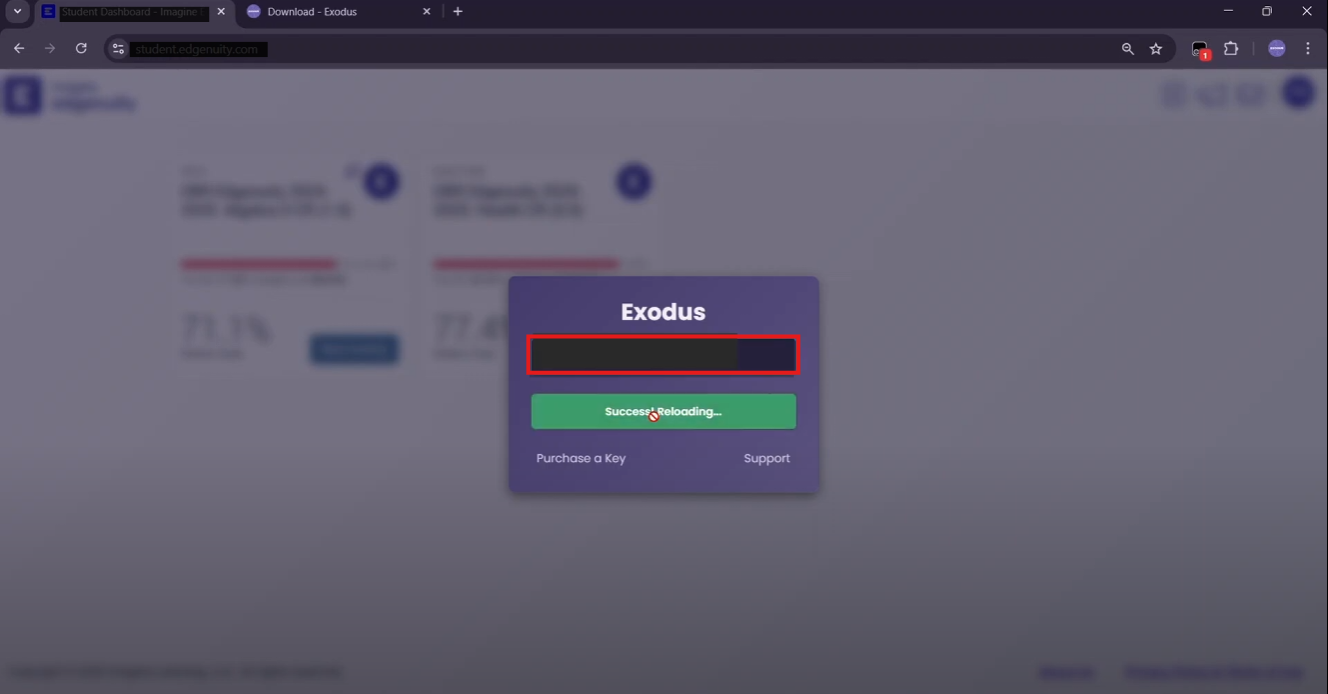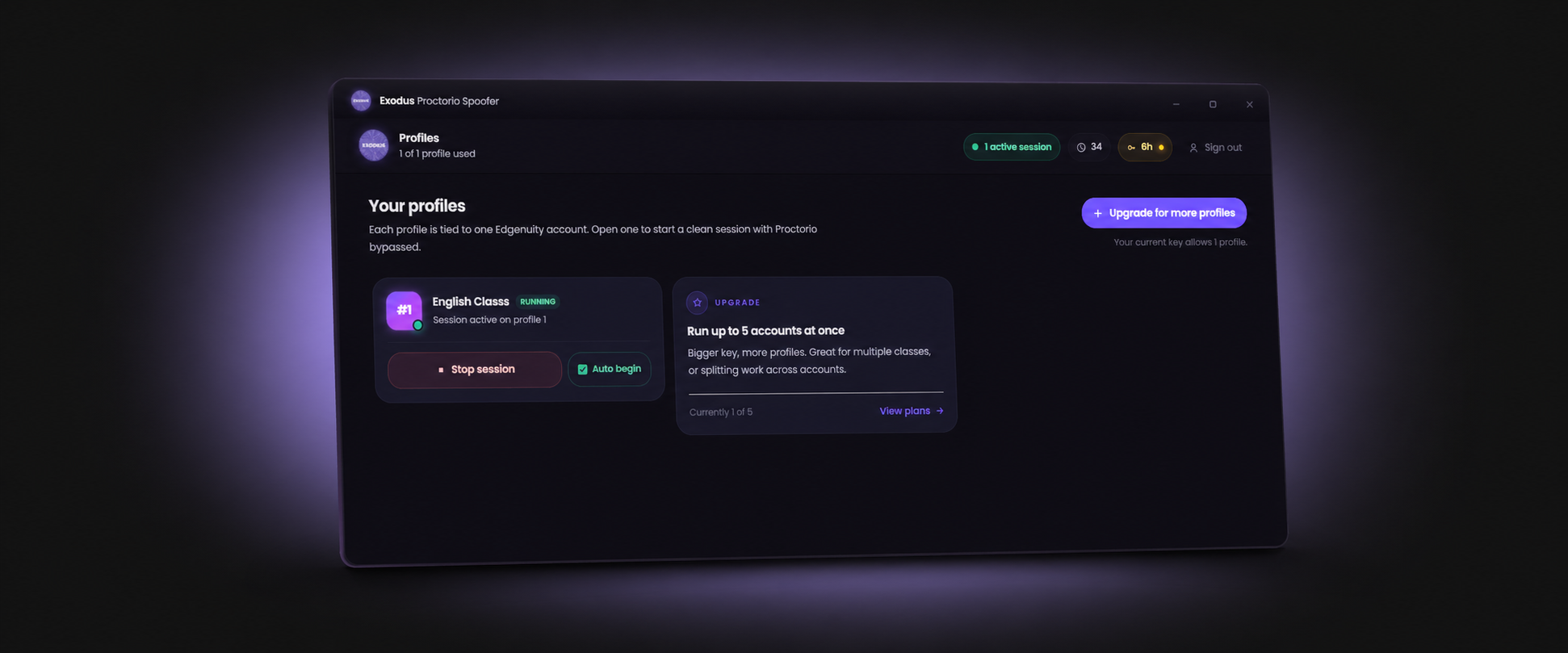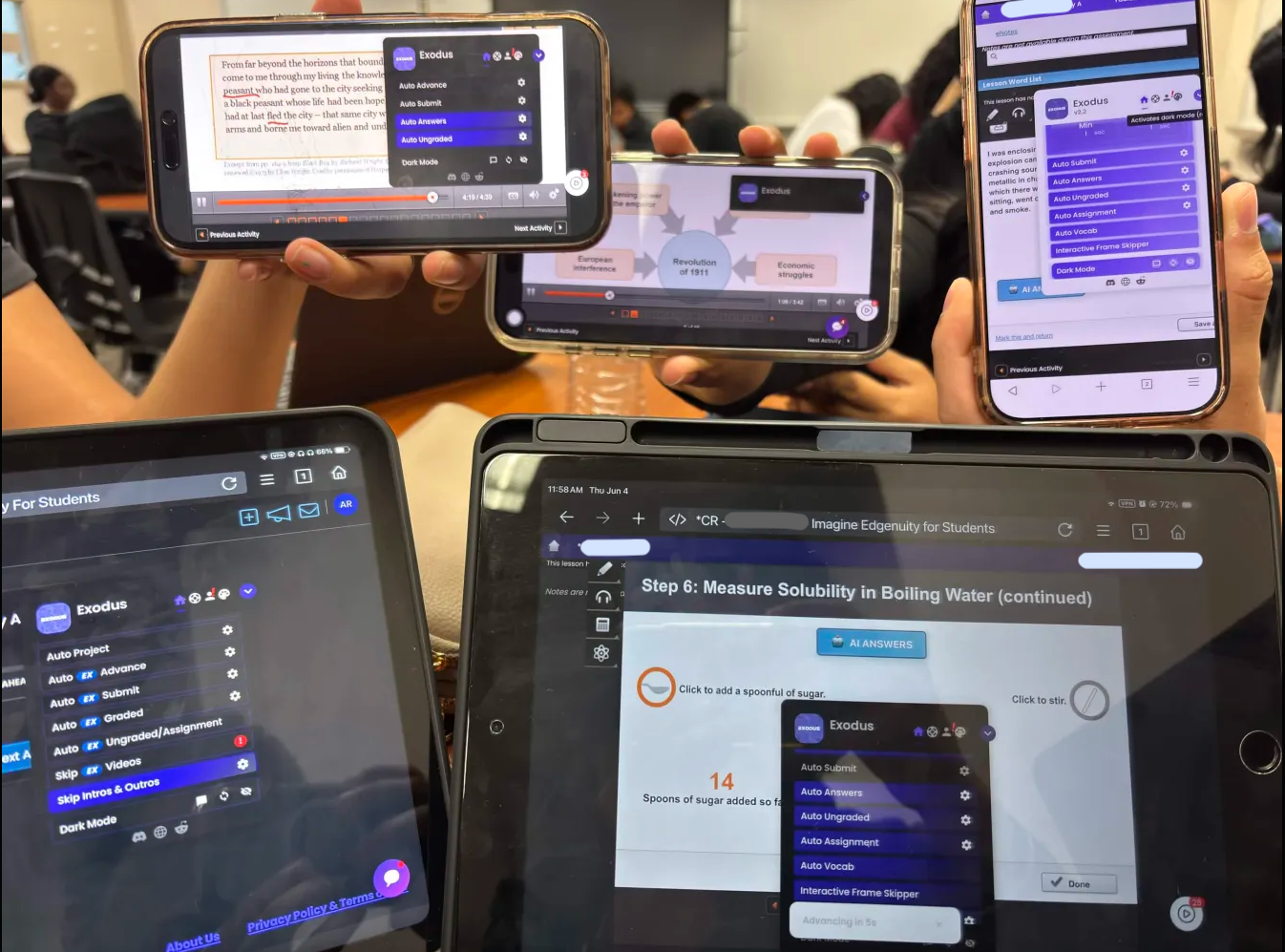
Exodus does more than answer questions. Presets, themes, and Multi-Tab mode are what turn it from a single class helper into a tool that finishes several Edgenuity courses at once, configured the way you like in seconds. This 2026 guide covers how to use each one to finish faster.
What Are Exodus Presets
A preset is a saved Exodus configuration. Every feature can be bundled into one named setup so you do not toggle each option by hand at the start of every class. A single preset can carry:
- Auto Answers: Completes quizzes, unit tests, and cumulative exams with the accuracy range you set.
- AI Answers: Generates written responses for journals and short answer questions.
- Auto Ungraded and Auto Assignment: Clears warm ups, labs, and assignments automatically.
- Auto Submit: Submits a quiz or exam once it is finished.
This matters most when you run several courses, because each one can have its own tuned configuration waiting.
Community Presets: Configurations in One Step
Community presets are setups uploaded by other Exodus users. Rather than tuning accuracy and pacing from scratch, you can browse configurations that other students have already dialed in for specific subjects or pacing styles, apply one, and adjust from there. It is the fastest way to get a sensible setup for a new course without guessing.

Building Your Own Presets
The real power is making presets for the way you study. A common pattern is two presets per class: a fast one for low stakes work and a careful one for graded tests.
- Speed Practice: High speed and high automation for warm ups, practice, and ungraded activities where the score does not count.
- Conservative Exam: Tighter accuracy and steadier timing for unit tests and cumulative exams that decide your grade.
Test a new preset on a low stakes activity before you trust it on a graded one, and double check the first few automated submissions so you know the range is set the way you want.
Themes: Dark Mode and Beyond
Exodus offers several themes so you can match the interface to your setup and cut eye strain during long sessions. The built in themes are Light, Dark, Red, Blue Sky, Forest, and Purple. To switch, click the palette icon in the Exodus menu and cycle through them, or right click the icon to pick one directly from a dropdown. Set it once and it carries across your sessions.
Multi-Tab Mode: Run Multiple Edgenuity Classes at Once
Multi-Tab is the feature that changes how fast you clear a workload. It lets Exodus run in several Edgenuity tabs at the same time, so two or three courses progress in parallel instead of one after another. Each tab keeps its own state and tracks progress independently, so the classes do not collide.
- Open Multi-Tab mode: Enable Multi-Tab in the Exodus menu.
- Open each class in its own tab: Load every course you want to run in a separate tab, and run different classes rather than the same activity twice.
- Apply a preset per tab: Pick a preset for each class so its features and pacing are set instantly.
- Enable Auto Advance in each: Let every tab move lesson to lesson on its own.
- Monitor and pace: Keep accuracy realistic so parallel progress still looks human.
Label each tab with its subject so you do not lose track, and keep automation to one tab per activity to avoid duplicate submissions.
Recommended Setups
For credit recovery and summer school, a preset around 90 percent accuracy with steady timing finishes fast while staying believable. For a class where the grade matters more, raise accuracy on unit tests and cumulative exams and let the rest run quicker. Pair any preset with video skipping so video time never bottlenecks the run, and see how to finish Edgenuity fast for the full pacing plan.
Load a preset, open Multi-Tab, and run several Edgenuity classes at once with Exodus.
Get ExodusFrequently Asked Questions
What are Exodus presets?
Presets are saved Exodus configurations that load a full set of feature settings at once. Instead of toggling everything by hand for every class, you apply a preset and Exodus is configured in seconds.
What are community presets?
Community presets are configurations uploaded by other Exodus users. You can apply setups other students have already tuned for specific courses, then adjust them to your own classes.
Can Exodus run multiple Edgenuity classes at once?
Yes. Multi-Tab mode lets Exodus run in several Edgenuity tabs at the same time, so you progress through multiple courses in parallel.
Does Exodus have dark mode and custom themes?
Yes. Exodus includes Dark Mode, theme colors, and custom background support so the interface is easier on the eyes during long sessions.
Do presets help avoid detection?
Indirectly. A preset that sets realistic accuracy and timing keeps your pacing consistent, which looks more human than perfect instant answers. Pacing is what matters.