The main Edgenuity student login URL is auth.edgenuity.com — if you are getting errors, the fix depends on which portal your district uses and what your school has configured. This guide covers every login method, all common errors, and district-specific URLs.
Student Login URL
The primary login pages for Edgenuity students:
- auth.edgenuity.com/login/login/student — the main student portal
- learn.edgenuity.com/student — an alternate URL that redirects to the same login
- learn.imaginelearning.com — used by some districts with full Imagine Learning branding
If your district uses a custom subdomain, the pattern is typically [yourdistrict].learn.edgenuity.com. Your teacher or school counselor will have the exact URL if the above options do not work.
Login with Google, Clever, or Microsoft SSO
Many districts set up single sign-on (SSO) so students do not need a separate Edgenuity username and password:
- Google: On the login page, click "Log in with Google" and authenticate with your school Google account. Requires your district to have enabled Google SSO in their Edgenuity settings.
- Clever: Visit clever.com/in/[your-district] or use your school's Clever portal link. Find Edgenuity in your app list and click to launch — authentication happens automatically.
- Microsoft: Click "Log in with Microsoft" on the Edgenuity login page and sign in with your school Microsoft 365 account.
If none of these buttons appear on the login page, your district likely uses standard username and password credentials. Contact your teacher for the correct login method.
Parent and Family Portal
Parents and guardians use a separate portal to monitor student progress:
- URL: family.imaginelearning.com
- Access: Requires an email invitation sent by the student's teacher or school counselor. Parents cannot create accounts independently.
- What is visible: Course progress, assignment completion percentages, grades, and time-on-task reports.
If you have not received an invitation, ask your student's teacher to send one from within the Edgenuity educator portal. The invitation is required for any access — there is no self-registration option.
Teacher Portal
Teachers and instructors log in at educator.edgenuity.com. This portal is entirely separate from the student login and uses different credentials. Teachers use it to assign courses, set pacing requirements, review student activity logs, and manage enrollments.
Common Login Errors and Fixes
"No Active Enrollments"
Your account exists in the system but no courses have been assigned to it. Do not contact Imagine Learning support — this is a school-side configuration issue. Contact your teacher or school counselor. They need to assign courses to your account from within the teacher portal. This is the most common login error and always has the same fix.
"Invalid Username or Password"
Edgenuity credentials are case-sensitive. Common causes and fixes:
- Your username or password uses capitalization that differs from what you are typing — try the exact format your school provided.
- The account locks temporarily after several failed attempts. Wait 15 minutes and try again, or use the "Forgot Password" link.
- Your school reset credentials and did not notify you — ask your teacher to send updated login information.
Edgenuity Not Loading or Showing Errors
- School network firewall: Chromebooks on school Wi-Fi are sometimes blocked from accessing Edgenuity outside of approved school sessions. Try a personal device or home internet connection.
- Platform outage: Edgenuity occasionally has downtime. Check the official Edgenuity status page or ask classmates if they are experiencing the same issue.
- Browser compatibility: Edgenuity is optimized for Chrome and Edge. Safari can have video playback issues. If you are on Safari, switch to Chrome.
District-Specific Login URLs
Large districts often have custom login portals. The general pattern is [district].learn.edgenuity.com. Known district URLs:
- LAUSD (Los Angeles): Login via the Clever portal using LAUSD MyData credentials
- Klein ISD (Texas): klein.learn.edgenuity.com
- Katy ISD (Texas): katy.learn.edgenuity.com
- Killeen ISD (Texas): killeen.learn.edgenuity.com
- Knox County Schools (Tennessee): knox.learn.edgenuity.com
- San Diego Unified: Login through the district's Clever or SSO portal
If your district is not listed, substitute your district name into the [district].learn.edgenuity.com pattern, or ask a teacher for the direct URL.
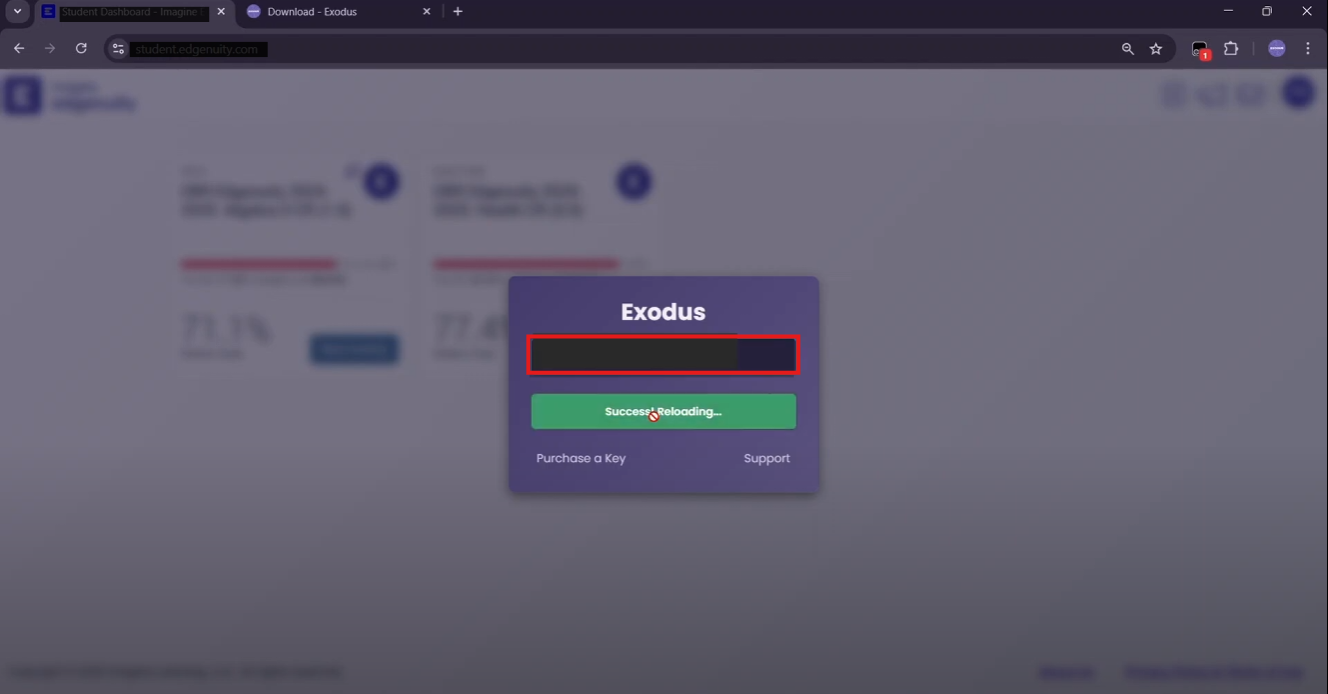
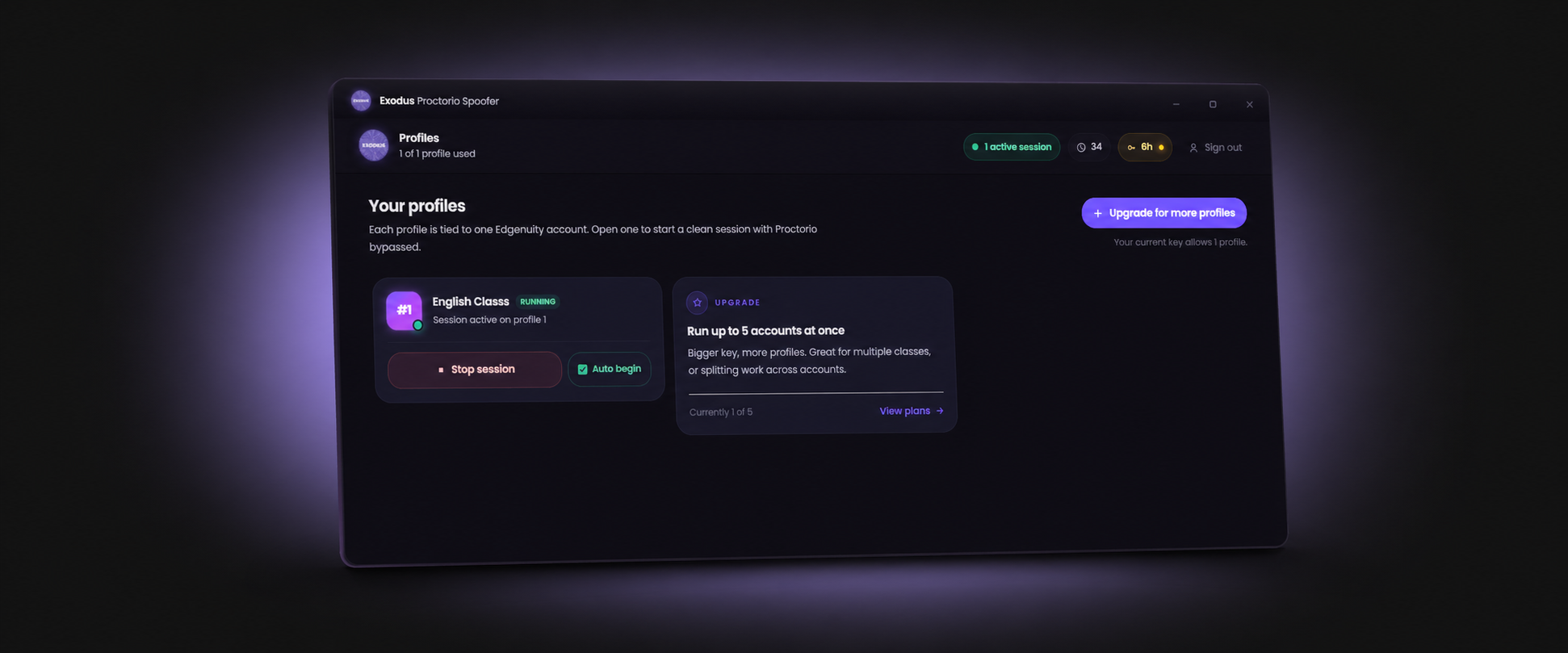
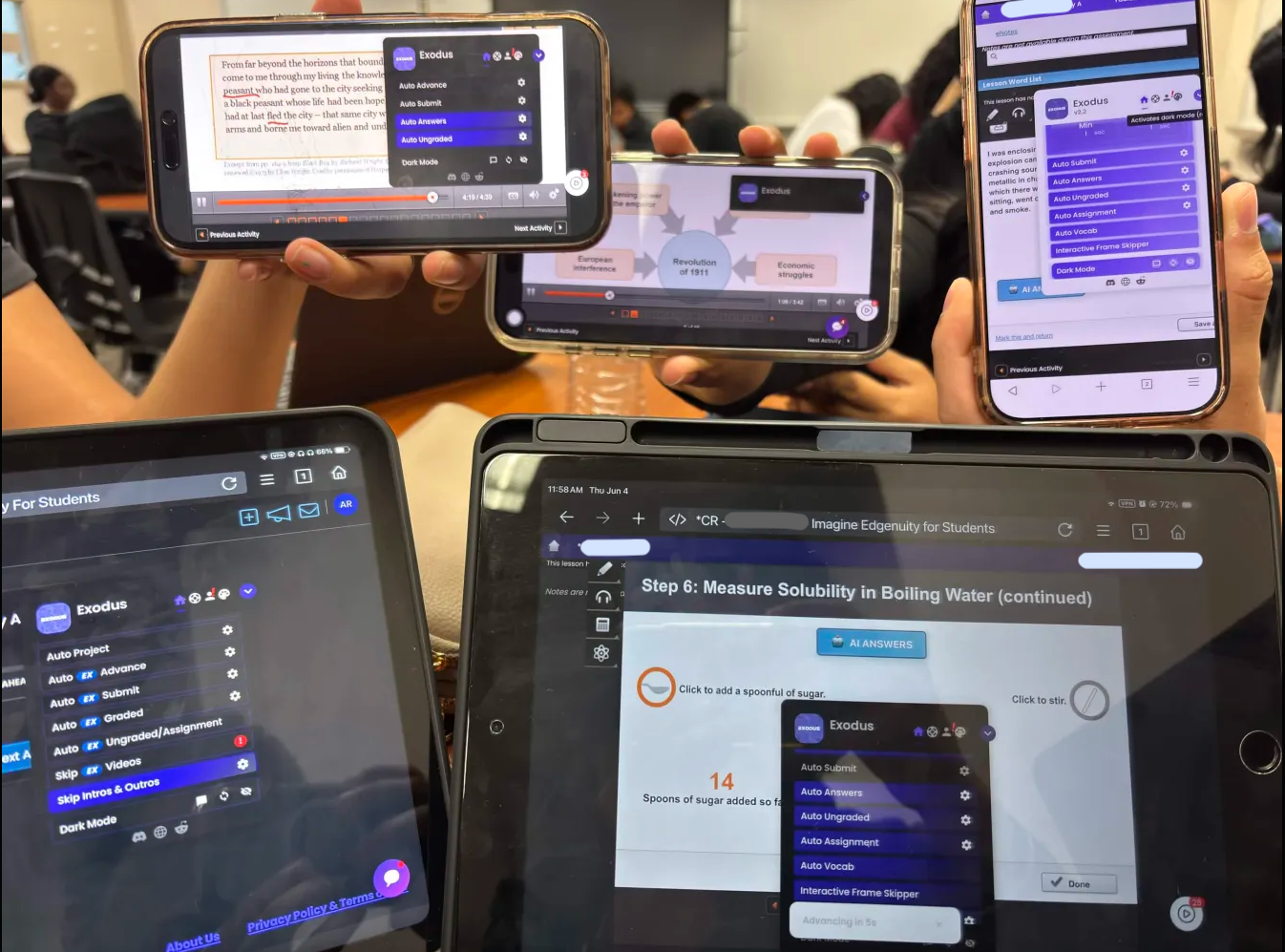
Once you are logged in and looking at a full semester of classes, Exodus handles the quizzes, videos, and lesson advancement so you can get your credit without spending weeks on it.
Get ExodusThe official student login lives at auth.edgenuity.com, run by Imagine Learning. Once you are in, the Edgenuity bot handles the coursework.
Frequently Asked Questions
What is the Edgenuity student login URL?
The main student login URL is auth.edgenuity.com/login/login/student. An alternate URL is learn.edgenuity.com/student. Many districts use a custom subdomain in the format [district].learn.edgenuity.com — your teacher can confirm the exact URL for your school.
How do I log into Edgenuity with Google?
On the Edgenuity login page, click the "Log in with Google" button and authenticate with your school Google account. This only appears if your district has enabled Google SSO. If the button is not visible, your school uses standard username and password login.
What does "no active enrollments" mean on Edgenuity?
Your account exists but no courses have been assigned to it. This is always a school-side issue — contact your teacher or school counselor to get courses enrolled in your account. Contacting Imagine Learning support will not resolve this.
How do parents log into Edgenuity?
Parents use the family portal at family.imaginelearning.com. Access requires an invitation email from the student's teacher — parents cannot self-register. Ask the teacher to send a parent invite from within the Edgenuity educator portal.